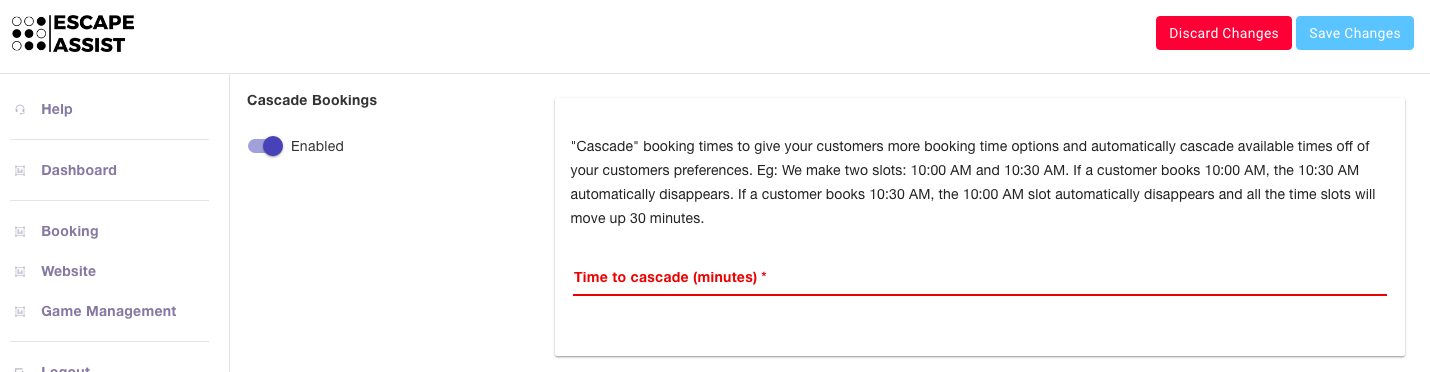
How does EscapeAssist's "cascading bookings" feature work?
EscapeAssist's booking system is very flexible. Rather than simply having booking slots each hour like other booking system, EscapeAssist gives you the option to "Cascade Bookings." This feature gives your customers more booking time options because it automatically cascades available times based on a customer's preference.
For example, rather than the standard 10:00 AM and 11:00 AM slots, you can make two slots: 10:00 AM and 10:30 AM. If the customer books the 10:00 AM slot the 10:30 AM automatically disappears and the schedule cascades accordingly (next available time slot would be 11:00 AM. However, if the customer books the 10:30 AM slot, the 10:00 AM slot automatically disappears, and all the time slots will shift/cascade 30 minutes (next available time slot would be 11:30, and so on).
To setup cascading bookings, go to the Bookings tab, in the Rooms section, and create a room with the "Cascade Bookings" feature "Enabled." Then you simply need to set your desired "time to cascade."