How do I open a booking slot without changing my normal schedule?
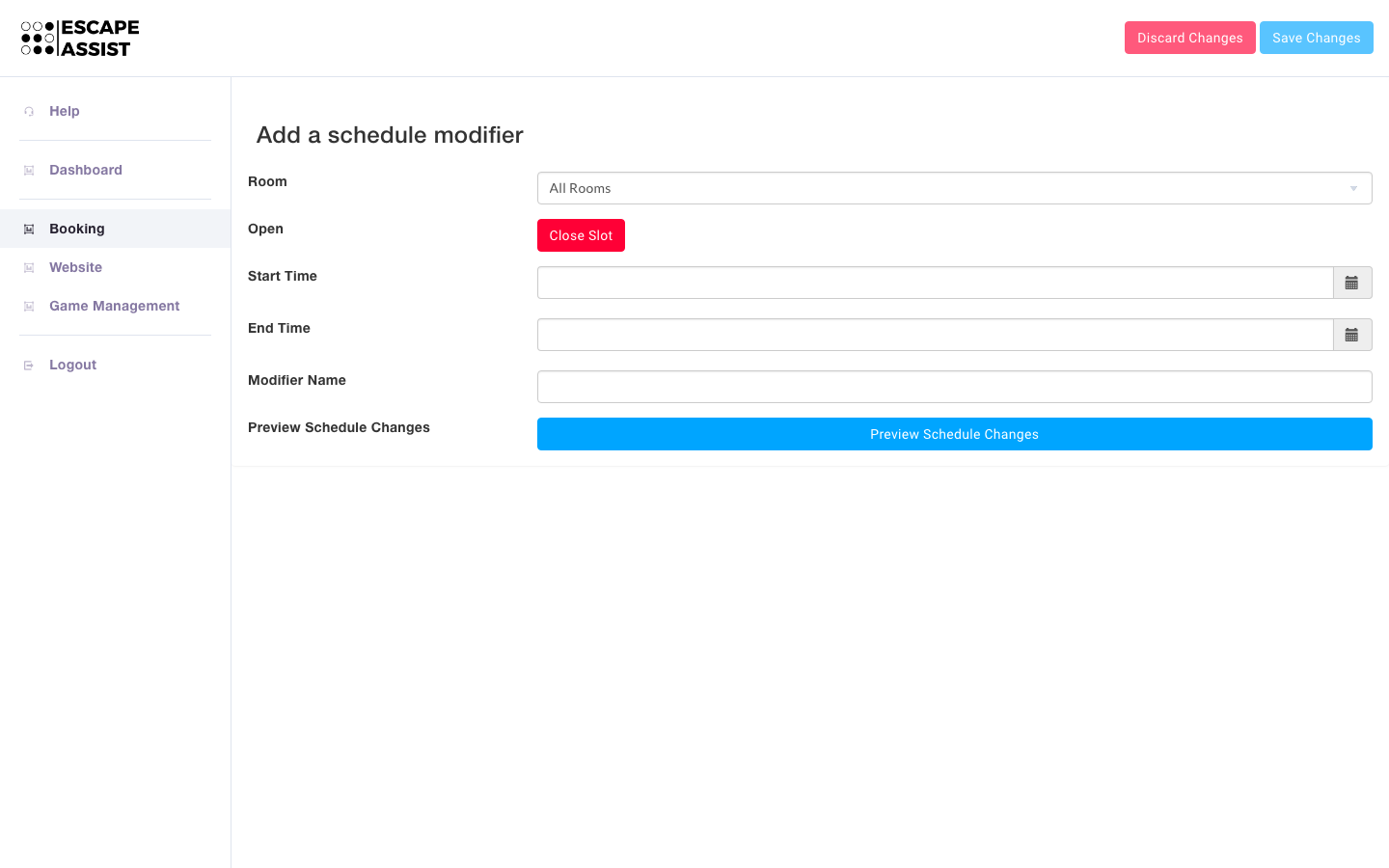
Sometimes you want to open slots that are usually closed, for example you are closed on Mondays, but want to open for a holiday weekend. Under the Bookings Tab, under the Manager section, you click the "Modify Schedule" button and add a new schedule modifier. You can open the slot for all or one of your rooms and set the time period you want it open. Remember to hit the "Save Changes" button.
You use the same process if you want to close a slot that is usually open.