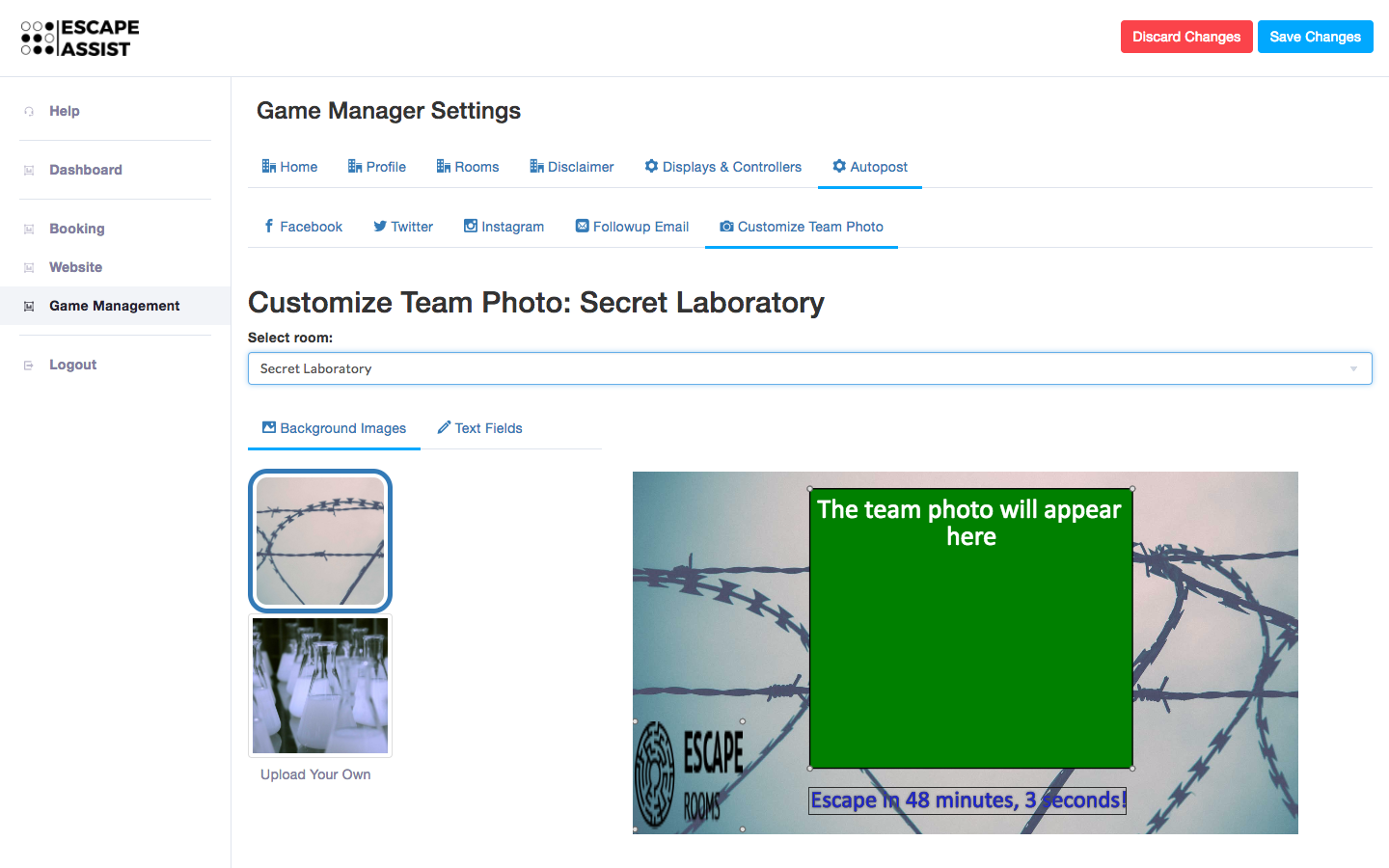
How do I customize my social media posts?
Under the Game Management tab you can manage your Autopost section. You can create automated social media updates to Facebook, Twitter, Instagram. You can also compose follow-up emails to players. Use {team_name} as a placeholder (to be automatically filled in when players choose a team name) and compose an appropriate message.
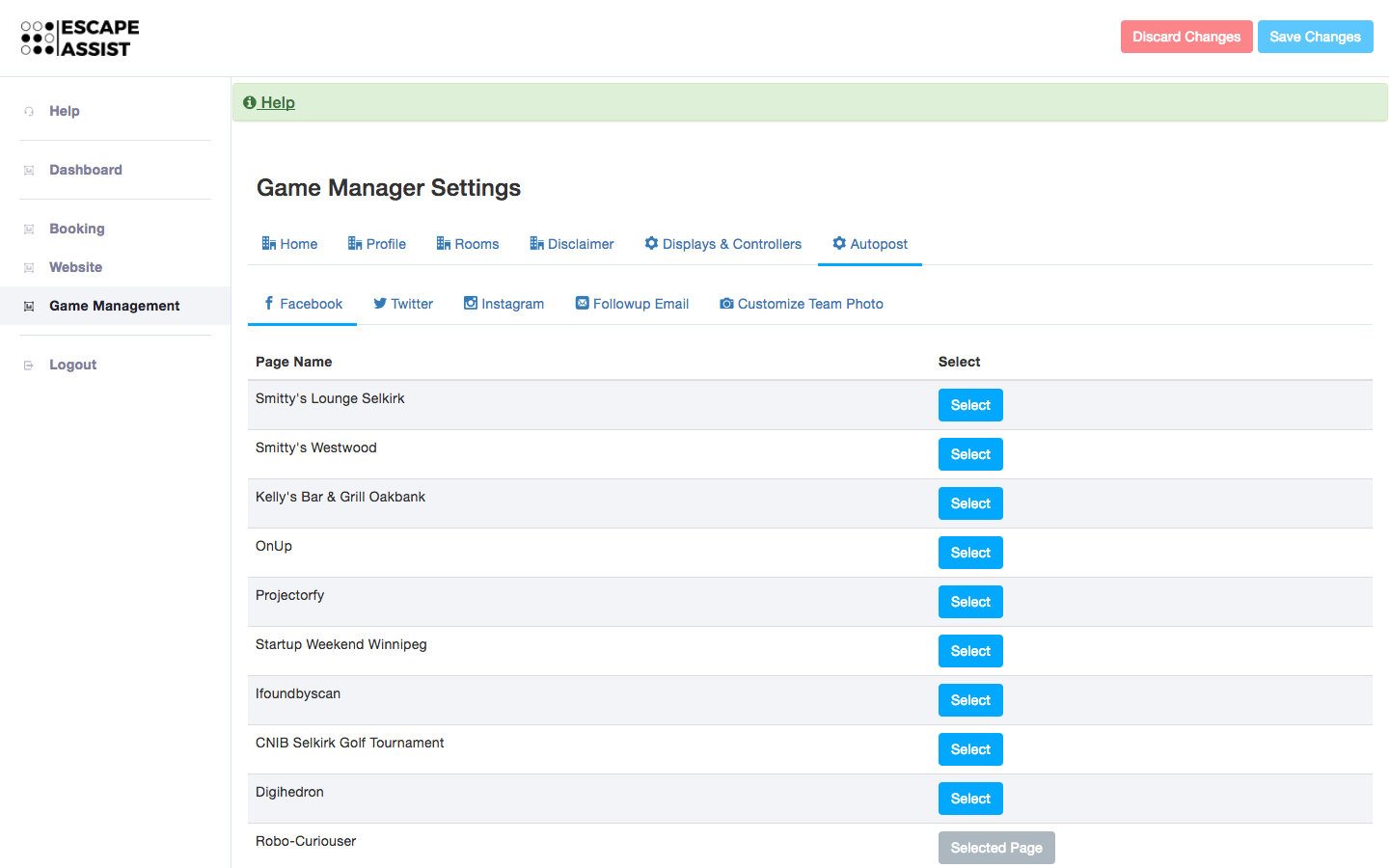
In order to post automatically to Facebook or Twitter, you will need to connect your account. To post to Instagram, you will have to run the game manager from a phone or tablet with the Instagram app already installed and configured.
You can use the Customize Team Photo tool to personalize team photos that will be posted to social media. You can include a background image, and text to go on top of the photo. In addition, EscapeAssist will automatically add your company's logo to each team photo.