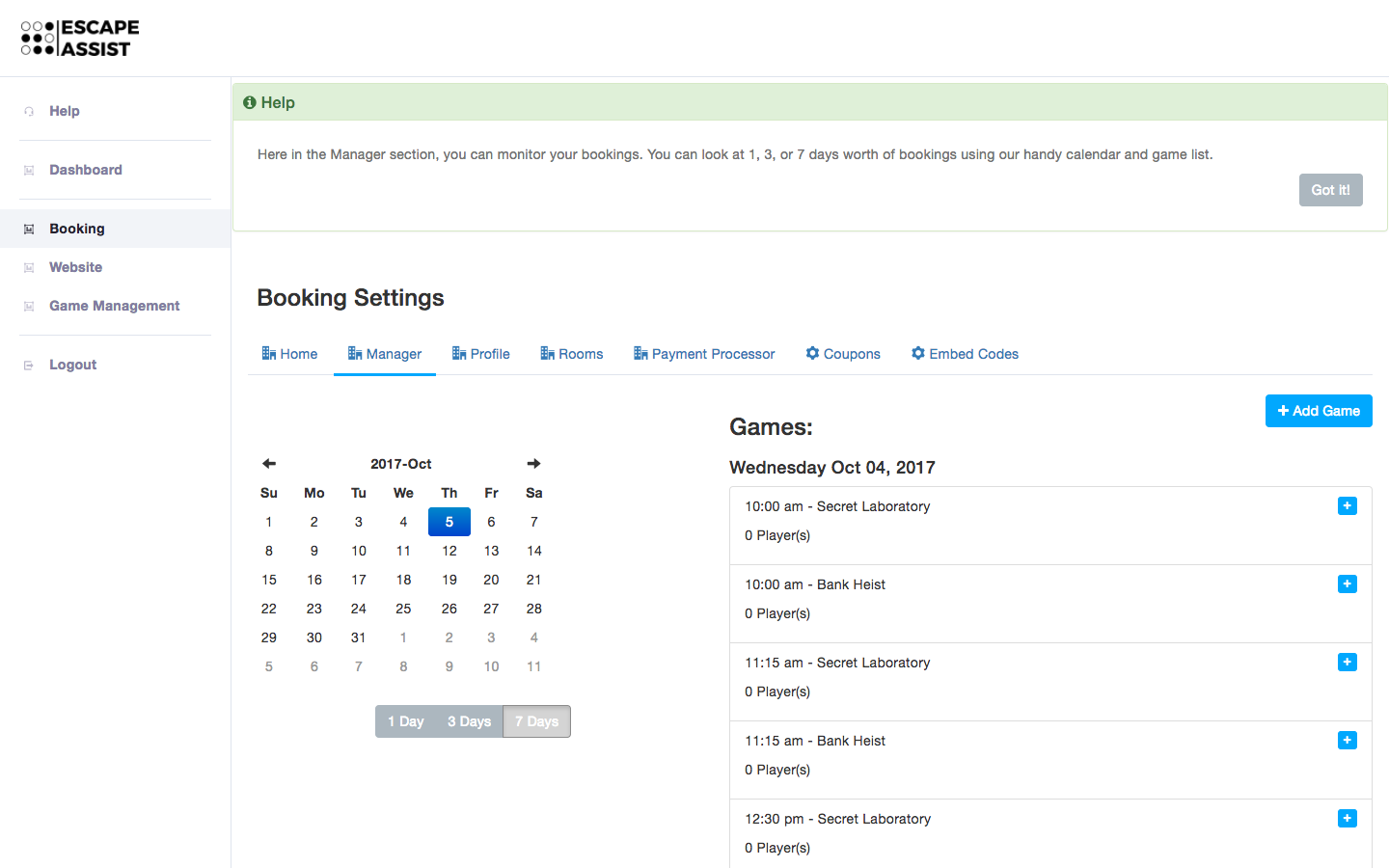
How do I monitor my bookings?
Under the Booking tab you will find the Manager section which shows all past, present and future bookings. You can click on the calendar to specify the time period and you can choose to see 1 day, 3 days, or 7 days worth of bookings. Clicking on a specific booking will show all the details of that booking (payment details, customers' contact information, etc.)
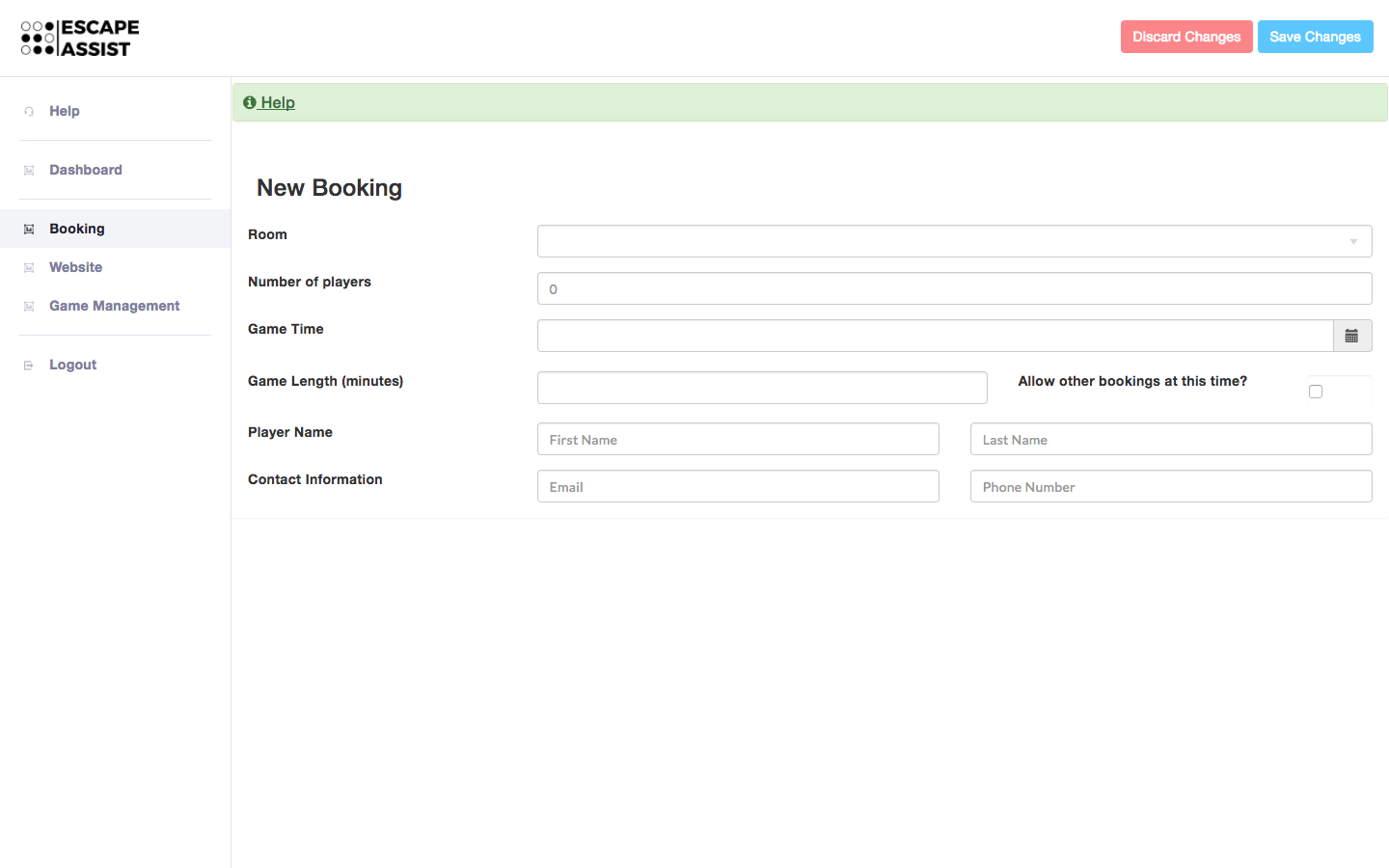
You can also use the "Add Game"button to input a booking manually. If you decide to charge for the booking, you must enter credit card details, otherwise you may leave them blank. If you check the "Allow other bookings at this time" box, the slot will remain open on your website for other people to book.